

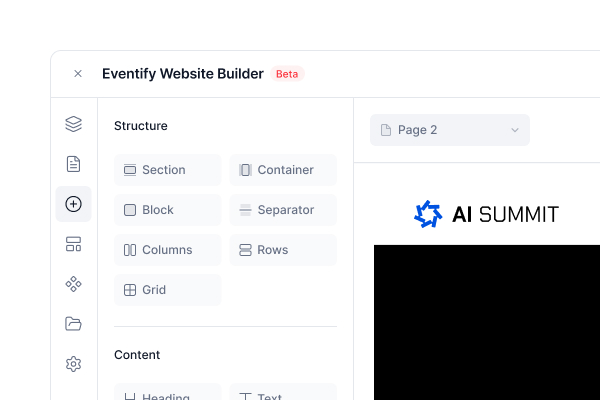
Drag-And-Drop Editor
Drag sections and elements onto the canvas, click to select, and double-click any text to edit it in place.
An event website builder lets organisers design, publish and update the website for their event without code, using blocks that pull the agenda, speakers and sponsors from the event itself.
Start from a designed theme, drag in ready-made sections and add agenda, speaker, sponsor and exhibitor blocks that read from your Eventify event. Set your colours and fonts once, connect your own domain and publish when you are ready.
Trusted by 5,000+ event professionals


A no-code editor that lives inside your Eventify event, so the site and the event share one set of data.
Drag sections and elements onto the canvas, click to select, and double-click any text to edit it in place.
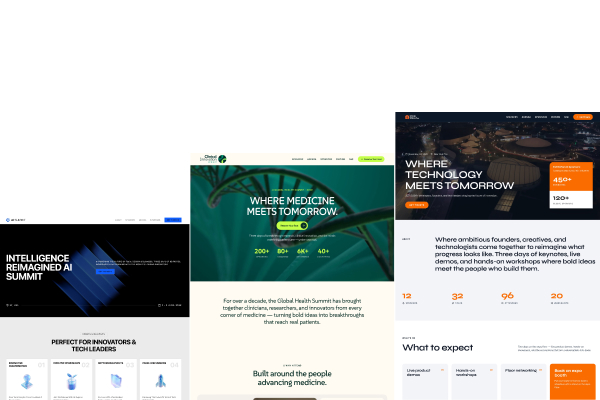
Start from scratch or one of ten themes, such as Summit, Expo, Healthcare, Tech Conference and Applause for awards nights.
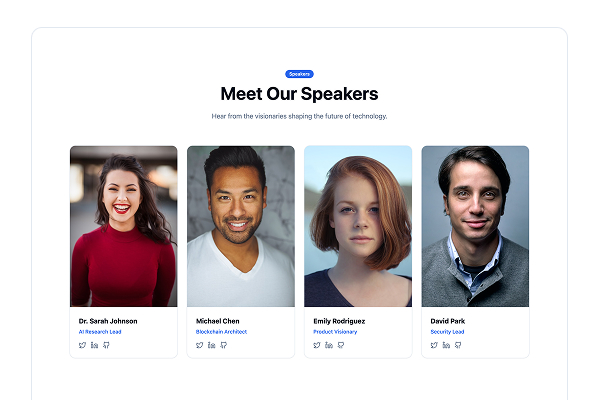
Agenda, speaker, sponsor, exhibitor, news and countdown blocks pull from your event. Republish to refresh them.
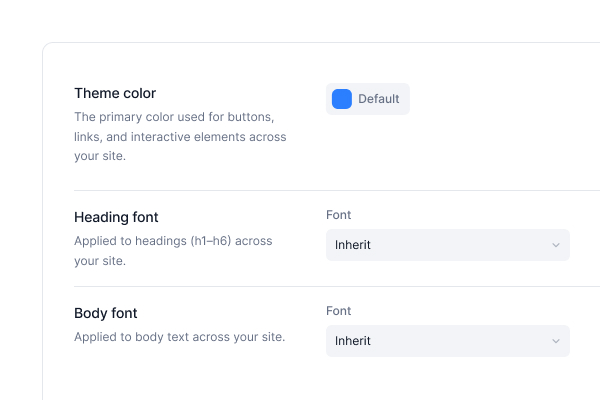
Set the theme colour, heading font and body font once for every page, Google Fonts included. Add head or body code for analytics.
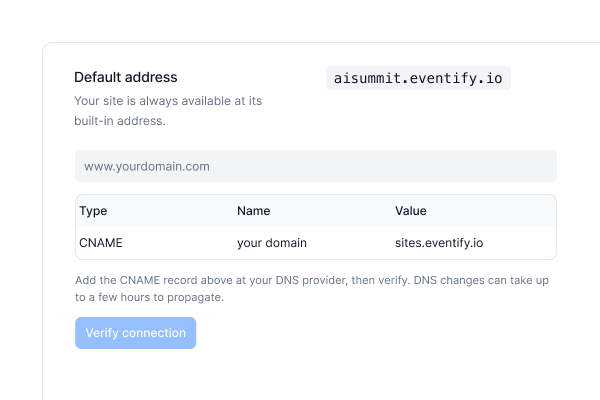
Publish on your eventify.io address, or connect your own domain with a CNAME record and SSL. Available on selected plans.
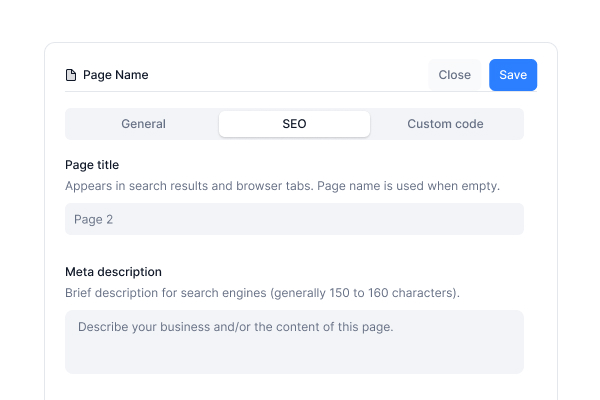
Page title, description, social image, editable URL slugs, image alt text and a noindex switch for pages you keep private.
Open the editor from your event, design with ready-made sections, then publish. Follow the getting started guide for each click.

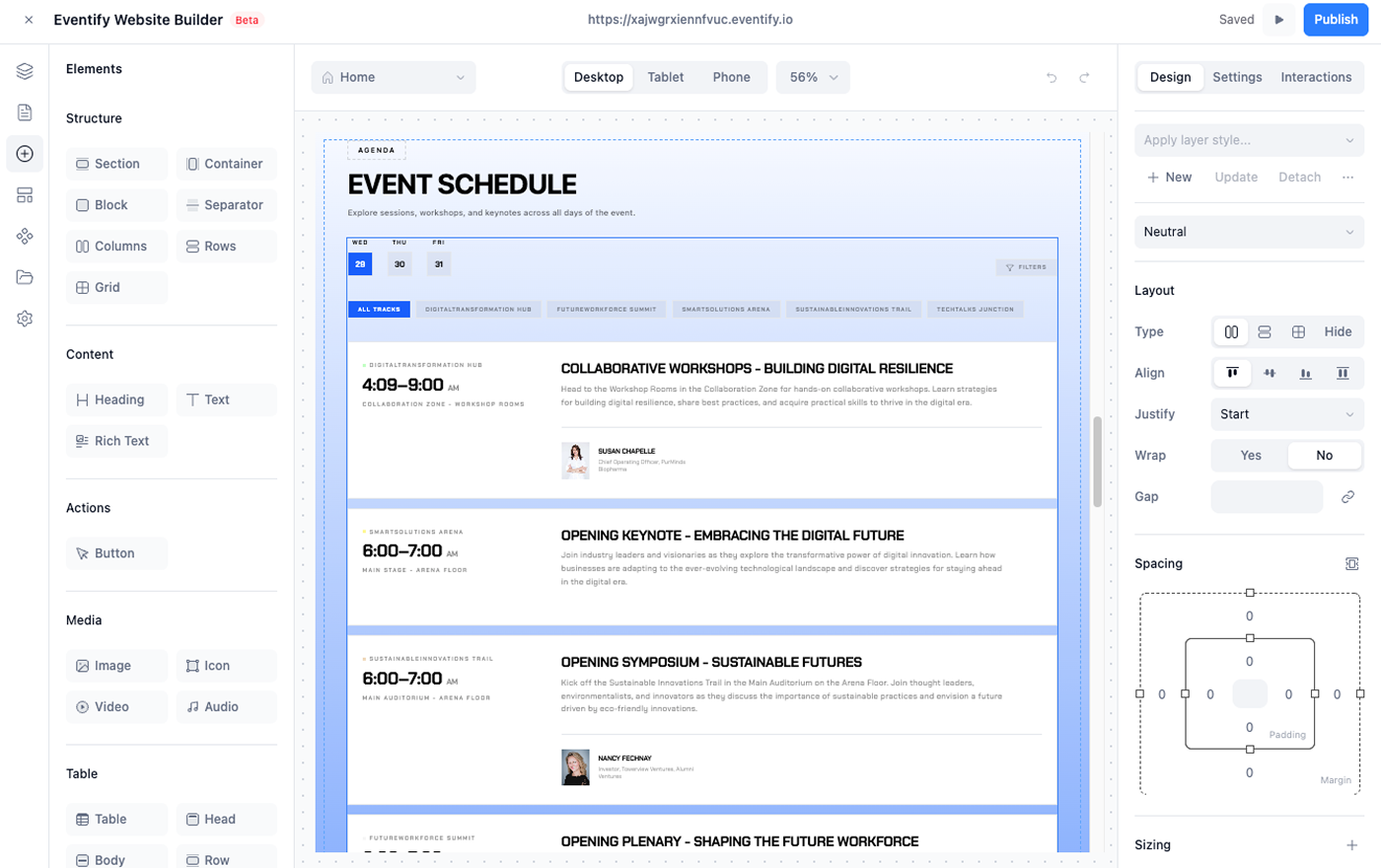
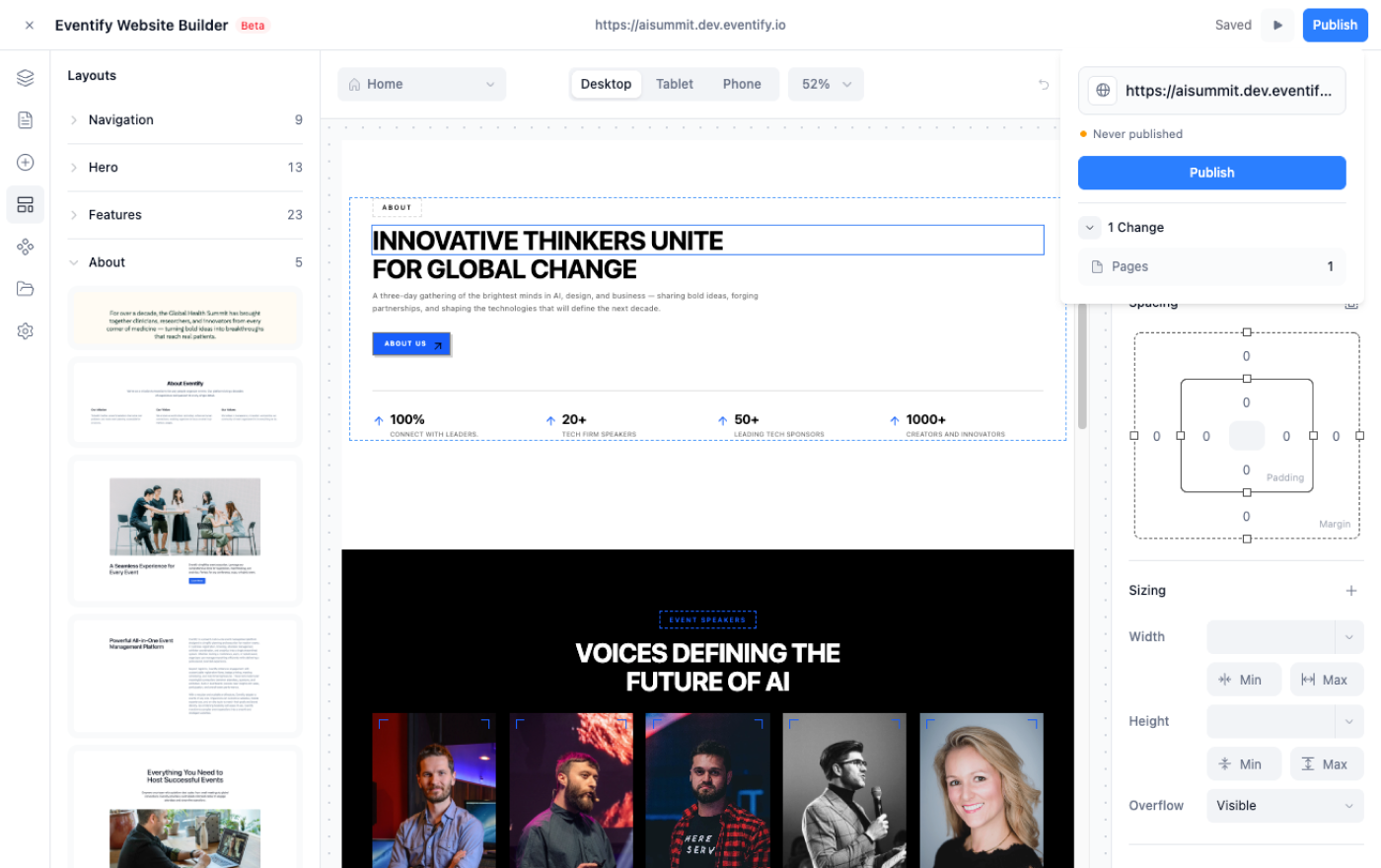
Watch a theme turn into a published event site, then try it on your own event.
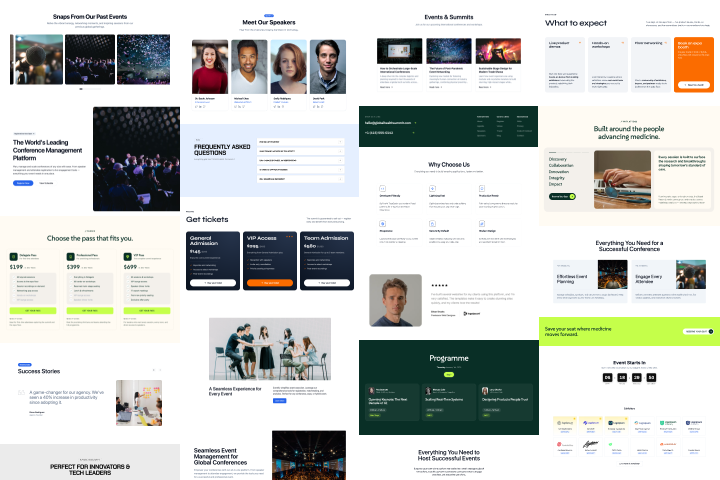
Heroes, agendas, speakers, sponsors, pricing, stats, galleries, testimonials and footers in several styles. Every layout is fully editable.
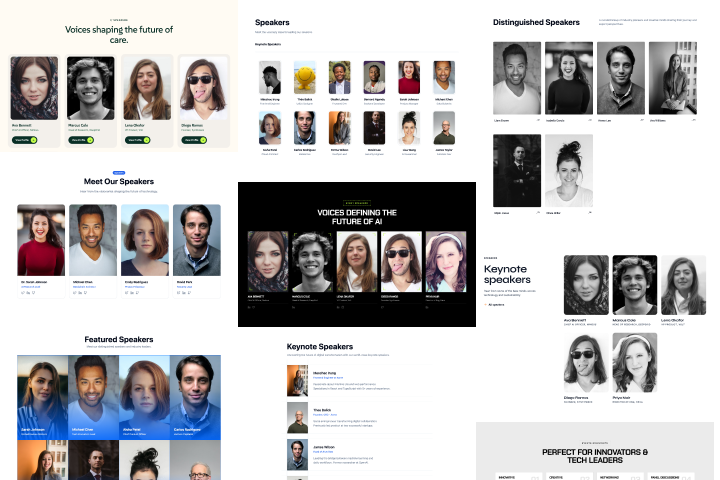
Agenda, speakers, sponsors and exhibitors come from the event you already set up, not from a copy you maintain twice.
Drag, drop and type. Custom code is there when you want a script, never required.
Desktop is the base design. Tablet and mobile changes apply to that size and smaller.
One theme colour and one font pair update the whole site, plus your favicon and web clip icon.
Keep the eventify.io address or point your own domain to it. Folders give clean addresses like /blog/launch-day.
Autosave, undo and redo, version history and a preview mode before anything goes live.
See the builder on a real event, from theme to published page.
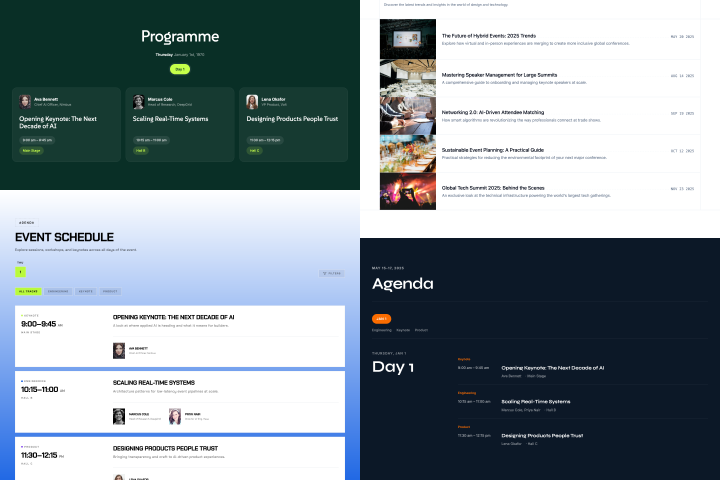
Attendees then build their personal agenda in the Eventify event app.
The settings an event website needs before launch day, in one place. See site settings and publishing.
A read-only preview shows the site as visitors see it. The Publish panel tells you if there are unpublished changes.
Add a CNAME record that points to sites.eventify.io. SSL is set up for you, usually within minutes.
Title, description and social image per page, plus noindex for pages you want out of search results.
Put a password on a page to keep casual visitors out, for example a sponsor or press page.
Add tracking code to the head or body of the whole site, or to a single page.
Page links survive renames, and link types cover pages, sections, files, email and your ticket page.
Agenda, speakers, sponsors and tickets, on one branded site you control.
Book a 30-minute walkthrough of themes, dynamic event blocks, domains and publishing, on your own event.
99% positive · 68 reviews